
How Bitcoin Works on BC.Game
Bitcoin is one of the core coins supported on BC.Game. The official site names BTC among its supported assets, and Bitcoin.com’s BC.Game guide describes BTC as one of the main currencies used for deposits, play, swaps, and withdrawals on the platform. In practice, Bitcoin works as a balance source inside the BC.Game wallet: you fund the account with BTC, use that value for gaming, and later withdraw it back to an external wallet.
That makes BTC part of the day-to-day wallet flow rather than a niche add-on. For users already active in crypto, this is one of the most natural ways to use the platform because no bank-style transfer step is required in the normal flow. The user funds the wallet, places bets from the account balance, and cashes out through the blockchain when ready.
BTC as a Gaming Currency
On BC.Game, Bitcoin can be used as a practical gaming currency rather than just a deposit method. Once the funds arrive in the wallet, the balance can be used across the platform’s gaming sections, including casino play and other wallet-based activity. Bitcoin.com also notes that users can swap between BTC and USDT inside the platform, which is useful for players who want to start with Bitcoin but later move into a more stable or lower-friction asset.
That means BTC can be used directly, but it is not the only workable option once the balance is credited. Some players keep their funds in Bitcoin for familiarity and broad support, while others move into a different currency depending on fee sensitivity, volatility tolerance, or preferred bankroll style.
Depositing Bitcoin: What to Know

Bitcoin deposits on BC.Game follow the standard wallet-based flow used by the platform. The user logs in, opens the wallet, chooses Deposit, selects BTC, copies the deposit address, and sends funds from an external wallet or exchange. BC Originals’ payments page separately confirms the same basic deposit structure through the wallet tab, along with a minimum deposit benchmark of 10 USDT equivalent in supported crypto.
What matters most here is precision. BTC deposits are simple to initiate, but they still depend on blockchain confirmation and correct wallet handling. A typo, sending the wrong asset, or using the wrong route from an exchange can delay or break the payment.
BTC Deposit Workflow
A practical Bitcoin deposit flow looks like this:
- Log in to your BC.Game account.
- Open the Wallet section.
- Choose Deposit.
- Select BTC.
- Copy the Bitcoin deposit address or scan the QR code.
- Send BTC from your external wallet or exchange.
- Wait for the required confirmations before the balance updates.
This process is straightforward, but it works best when the user checks everything before sending. It is also sensible to confirm that the sending service is actually sending native BTC and not another product labeled around Bitcoin. On crypto platforms, that distinction matters.
Required Confirmations
Bitcoin deposits are not instant because the blockchain needs to confirm them. Bitcoin.com says BTC deposits on BC.Game are usually confirmed in under 30 minutes, but that timing depends on the state of the Bitcoin network. If block space is busy, the wait can stretch.
This is one of the first trade-offs users notice when comparing BTC with lighter transfer assets. Bitcoin is reliable and widely supported, but it is usually slower than lower-fee alternatives like TRX or some USDT routes. For players who care most about speed, that difference can matter.
Withdrawing Bitcoin from BC.Game
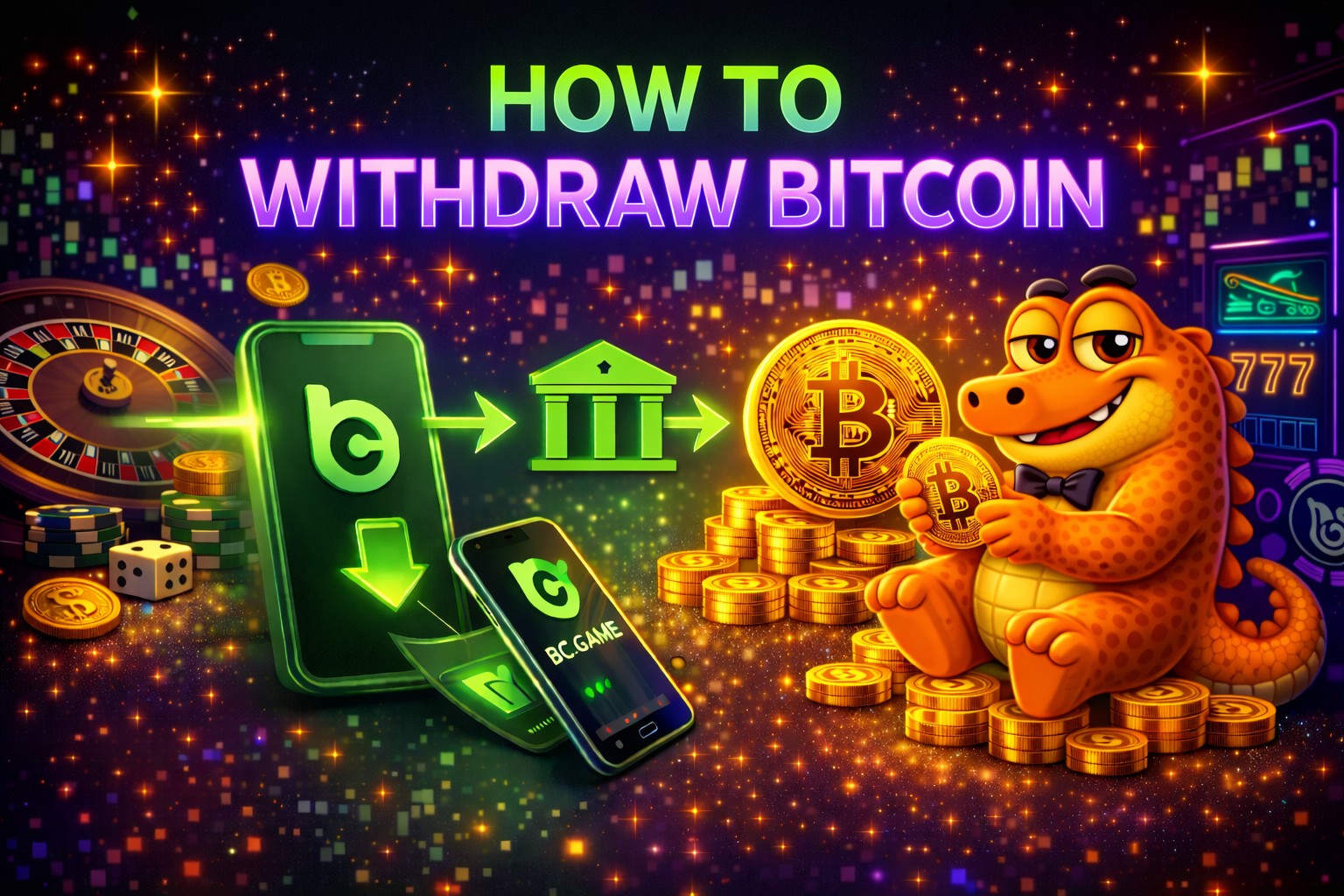
Withdrawing BTC is the reverse of the deposit flow. Bitcoin.com’s guide says users go to Wallet, click Withdraw, select BTC, enter the destination address and amount, and confirm the request. After that, the blockchain handles the final transfer.
The user experience is simple on the surface, but this is also the point where mistakes become most costly. Once a BTC withdrawal is confirmed to the wrong address, recovery is usually not possible. That is why Bitcoin withdrawals should always be treated as deliberate, final actions rather than quick routine clicks.
BTC Withdrawal Steps
A typical withdrawal looks like this:
- Open Wallet.
- Select Withdraw.
- Choose BTC.
- Enter your Bitcoin wallet address.
- Enter the amount.
- Confirm the request and complete any security step required.
Before you confirm, it is worth stopping for a final check:
- Is the address correct from start to finish?
- Is the amount still sensible after fees?
- Are you sending to a wallet you control or trust?
- Have you checked whether you are withdrawing enough above the minimum?
When to Expect Your BTC
Bitcoin.com says BC.Game withdrawals usually process within 5 minutes to 1 hour. CCN’s recent review adds that smaller withdrawals were often completed in around 10 minutes in testing, while larger amounts could take longer if extra review or verification was triggered.
That makes the realistic answer simple: some BTC withdrawals are quick, but timing varies. The final wait depends on both BC.Game’s processing and the Bitcoin network itself. Smaller payouts can move fast, while larger or unusual withdrawals may take longer if compliance checks or manual review appear.
Bitcoin Fees and Cost Optimization
Bitcoin is convenient, but it is not always cheap. The main cost driver is usually the Bitcoin network, not a special BTC-only platform charge. BC.Game promotes low-fee crypto gaming generally, while Bitcoin.com’s guide repeatedly frames fees as network-dependent. CCN also says deposits had no additional platform fee in testing, though blockchain fees still applied.
That means cost control on BC.Game starts with understanding when and why Bitcoin fees rise.
Why BTC Fees Fluctuate
Bitcoin fees fluctuate because they depend on network congestion and the demand for block space. When more users are trying to move BTC, miners prioritize transactions based on fee pressure, and costs can rise. When demand is lighter, fees can be more manageable.
This is why Bitcoin often feels more expensive than lighter networks even when the transferred value is similar. The coin itself is not the whole story. The network conditions at the time of the transfer are what drive much of the cost.
How to Reduce BTC Costs
There are a few practical ways to use Bitcoin more efficiently on BC.Game:
- check the network fee environment before sending
- avoid moving very small BTC amounts when fees are elevated
- leave enough margin above the minimum so fees do not make the transfer impractical
- use BTC when you actually want Bitcoin, not only when you want the fastest transfer
A useful mindset is this: Bitcoin is often best for direct BTC usage, bigger bankroll movement, or familiarity. It is not always the best choice for small, fee-sensitive routine transfers.
BTC vs Other Crypto Options on BC.Game
Bitcoin is a major option on BC.Game, but it is not always the most efficient one. The right choice depends on what matters most to you: familiarity, decentralization, stable value, lower fees, or speed. Bitcoin.com’s BC.Game guide is especially useful here because it directly compares BTC with USDT.
When BTC Is a Good Choice
BTC is usually the better choice when:
- you already hold Bitcoin
- you want to stay in a widely recognized crypto asset
- you value a decentralized flagship coin
- you are comfortable with slower, sometimes costlier transfers in exchange for direct BTC use
For many users, that combination is enough. Bitcoin is globally recognized, broadly supported, and easy to understand at a practical level, even when it is not the cheapest operational route.
When to Use Alternatives Instead
Alternatives often make more sense when speed and lower fees matter more than holding Bitcoin itself. Bitcoin.com’s BC.Game guide frames USDT as better for stable bankroll value and lighter networks as better for cheap movement. TRX is commonly treated as a fast, low-fee option, while USDT gives more predictable value than BTC.
| Option | Best use case | Main trade-off |
| BTC | Direct Bitcoin use, recognition, familiarity | Slower and often costlier |
| USDT | Stable bankroll value | Less decentralized than BTC |
| TRX | Fast, low-fee transfers | Less universal recognition |
| XRP | Quick low-cost movement | Different wallet support patterns |
Using BTC in Casino Games
Once Bitcoin is credited to the account, it becomes part of the playable balance inside the wallet environment. BC.Game’s official site highlights one wallet across products, and Bitcoin.com says BTC can be used for play across the platform.
Betting with Bitcoin
In practice, betting with Bitcoin means using a BTC-funded balance rather than sending a new blockchain transaction for every round. That keeps gameplay smooth because the blockchain is mainly involved at deposit and withdrawal stages, not inside the moment-to-moment gaming loop.
That structure is useful because it separates the slower parts of crypto transfer from the faster parts of actual gameplay. You wait for the chain once, then use the credited balance normally inside the platform.
Managing BTC Balance
Bankroll control matters more with BTC than with a stablecoin because the underlying asset can move in value. Even if your betting behavior stays the same, the fiat-equivalent value of the BTC balance can change. That makes it worth tracking both your BTC amount and its practical value, especially if you are playing over multiple sessions. This is an inference based on Bitcoin’s normal volatility and Bitcoin.com’s contrast between BTC and USDT stability.
A few sensible habits help:
- keep part of the balance reserved rather than wagering the whole amount
- avoid using minimum-size transfers right against the fee threshold
- reassess whether you want BTC exposure or stable balance behavior before long sessions
Common BTC Issues on BC.Game
Most Bitcoin-related issues on BC.Game are not mysterious. They usually come down to either network conditions or user mistakes.
Delayed Transactions
The most common reason for delay is network congestion. Bitcoin.com says deposits are usually under 30 minutes and withdrawals often land within 5 minutes to 1 hour, but those are still network-dependent ranges rather than guarantees.
CCN adds a useful real-world layer here: smaller withdrawals were fast in testing, while larger ones could slow down if additional review or verification appeared. That means not every delay is a technical failure. Sometimes it is just the combination of network traffic and account review.
High Fees
The main reason BTC feels expensive is simple: the network is busy. When block space is in demand, the transfer becomes more expensive. That is why Bitcoin may feel less efficient than TRX or USDT on cheaper networks, especially for smaller amounts.
Security Considerations for Bitcoin Users
Bitcoin is secure at the blockchain level, but user mistakes are still irreversible. BC.Game’s infrastructure may be stable, but it cannot undo a payment sent to the wrong place.
Safe Wallet Usage
Good BTC security starts with the wallet:
- verify addresses carefully
- use wallets you control or trust
- keep account security features like 2FA active
- store larger balances thoughtfully rather than casually leaving them exposed
Avoiding User Errors
Most serious BTC problems are caused by small mistakes made too quickly. The most dangerous ones are:
- wrong withdrawal address
- rushing through confirmation
- not checking whether the fee makes the transfer impractical
- sending an amount too close to the minimum threshold
Pros and Cons of Using Bitcoin
Bitcoin is a strong choice when you want to stay in Bitcoin. It is less ideal when you only want the cheapest or fastest route. A balanced view looks like this:

Pros
- Strong recognition.
- Broad wallet and exchange support.
- Direct BTC use without forced conversion.
- Secure, established network.

Cons
- Higher fees than lighter routes.
- Slower transfers than TRX or some USDT routes.
- Price volatility.
- Small transfers can become inefficient.
Best Practices for BTC on BC.Game
The simplest habits usually work best:
- check current fee conditions before sending
- avoid using amounts that sit right on the minimum edge
- watch network conditions when timing deposits or withdrawals
- double-check the address every time
- use BTC when it matches your goal, not automatically for every transfer
These steps do not make Bitcoin instant or cheap, but they do make it easier to use well.